Internal medicine and medical specialties
Outpatient oncology follow-ups, cycle after cycle
Your oncology templates are configured with you at onboarding: consultation, follow-up per treatment cycle, lab values and performance status as fields, histology and imaging reports on the record, and the medical letter.
No card · Migration included · Hosted in the EU
Runs on the encounter engine: we configure templates, documents and consents with you at onboarding, on the internal medicine pack’s observation sets, with BMI, eGFR and FINDRISC calculators included and others on request. Scheduling and invoicing work as usual, and a dedicated pack can be built on request. How the coverage levels work
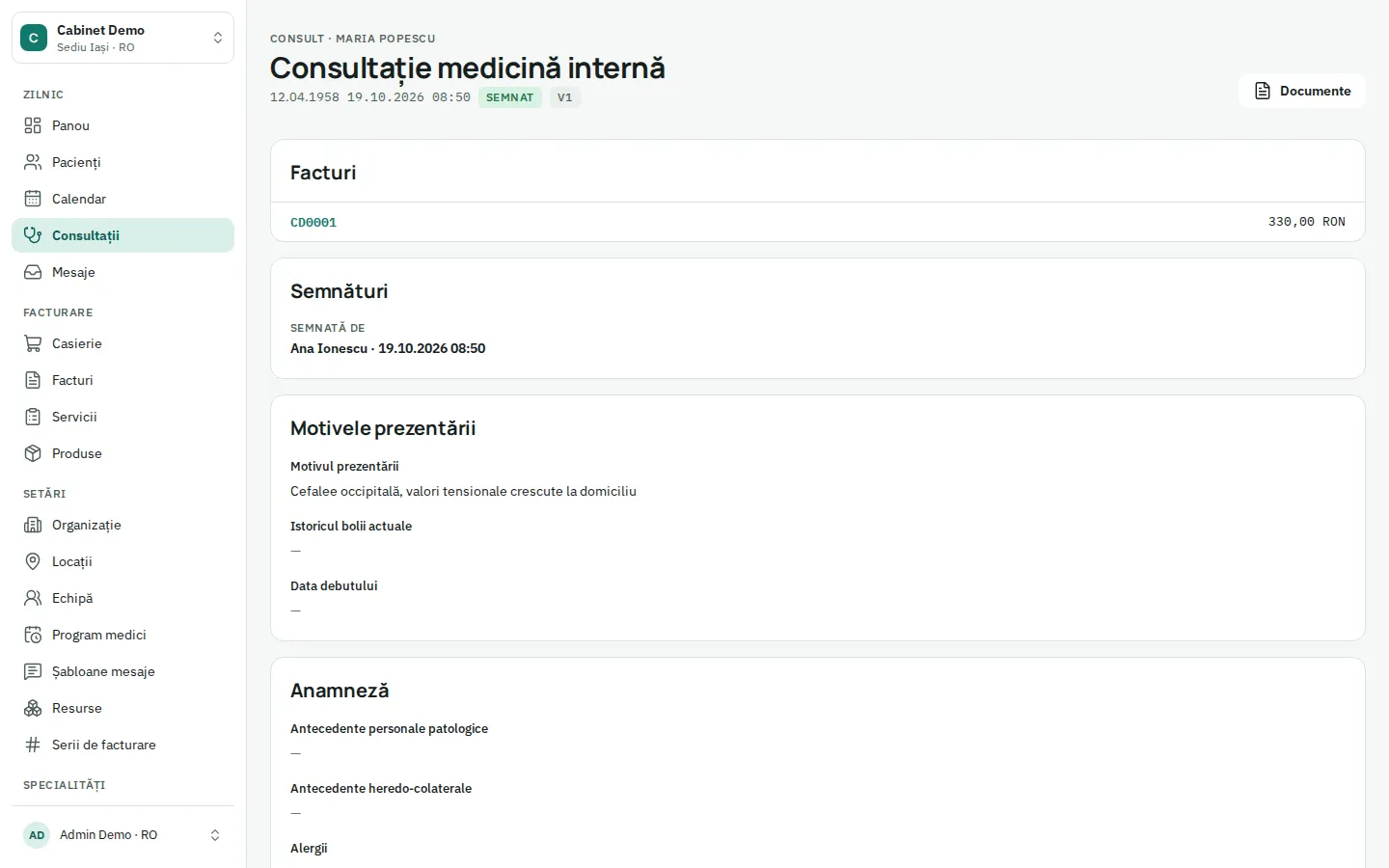
What you get
-
Consultation and cycle follow-up
Diagnosis, stage, protocol, cycle number, tolerance and side effects as structured fields, each control starting from the previous one.
-
Labs before each cycle
Blood counts and renal values ordered before each cycle and stored as observations with units; eGFR computed from the record.
-
Histology and imaging attached
Pathology, CT, MRI or PET reports attached to the visit and kept on the patient’s timeline.
-
Performance status, configurable
ECOG or other scales configured with you as informational fields; the decision always stays with the oncologist.
-
Letter, referral, sick leave
Medical letter, referral and sick-leave documents generated from the signed visit, as PDF, in the patient’s language.
-
Controls in the calendar
Each cycle’s control booked in the oncologist’s calendar, with reminders 48 h and 3 h before and a YES/NO reply.
How the day runs
- 01
The pre-cycle control is booked in the oncologist’s calendar; the patient confirms with YES.
- 02
The new blood count is entered and the lab PDF attached.
- 03
The follow-up opens from the previous cycle; tolerance and side effects are updated.
- 04
The doctor signs; the medical letter and any referral are generated.
- 05
The next cycle’s control is booked; the recall goes out on its own and the visit joins the CNAS monthly report (pilot).
Integrations and exports
- Lab orders and results (PDF request, CSV or HL7 import)
- Histology and imaging reports as files
- e-Factura with SPV upload (pilot)
- CNAS reporting (pilot)
- CSV export
Recommended plan
Clinic
Clinic fits outpatient oncology practices with several oncologists and nurses, with every pack, stock and reports included.
from € 66,00 / practitioner / month · billed annually
Questions
Is there a dedicated oncology pack?
Medical oncology runs on configurable templates: we set up your consultation, cycle follow-up and letter with you at onboarding. A dedicated pack can be built on request.
Does Clinesto calculate chemotherapy doses?
No. Private prescriptions with safety checks exist, but there is no dose calculator or chemotherapy protocol prescribing; dosing and preparation stay in the tools and procedures you use today.
Does it handle CNAS contracts?
CNAS reporting works as a pilot: insured check at check-in, cases from signed visits, monthly reports and settlement invoices. A run on the SIUI test environment comes before your first real report.
Other specialties in Internal medicine and medical specialties
Whatever the size of your organisation
-
Solo practice
One doctor, perhaps an assistant or a receptionist: calendar, record, invoicing, reminders. Learn more -
Multi-specialty practice
Several doctors and specialties under one roof: a calendar per doctor, shared or separate invoice series. Learn more -
Multi-location clinic
Locations with their own hours, cash register and series; doctors who work in several locations. Learn more -
Medical laboratory
Pilot programme Pilot programme: orders, specimen labels, results with HL7 import, HL7 orders to analysers, signed reports and results in the patient app. Learn more -
Hospital with outpatient clinic
Pilot programme Pilot programme: the outpatient clinic works today, the day hospital runs as a pilot, inpatient wards are not built. Learn more -
Groups and networks
Several companies, locations and countries: each with its country rules, under one sign-in. Learn more
Your first appointment in 5 minutes.
Demo data for your specialty is loaded for you. Import your real data from day one, or let us do it.
No card · Migration included · Hosted in the EU