Diagnostics
The imaging report, from referral to signed PDF
We configure your report templates with you at onboarding, per type of examination; device scheduling, the referral, images attached as files and the invoice sit on the same patient record.
No card · Migration included · Hosted in the EU
Runs on the encounter engine: we configure templates, documents and consents with you at onboarding, on the internal medicine pack’s observation sets, with BMI, eGFR and FINDRISC calculators included and others on request. Scheduling and invoicing work as usual, and a dedicated pack can be built on request. How the coverage levels work
What you get
-
Calendar by device and room
The ultrasound, X-ray or CT scanner are calendar resources, with their own examination types and durations, at each location.
-
Referral and order on the record
The referral the patient brings is uploaded to their record; when a doctor of the clinic orders the examination from the visit, the order is already on the patient page.
-
Report templates
Technique, description, measurements with units and conclusion as fields, in a template per examination type, checked before signature.
-
Signed PDF report
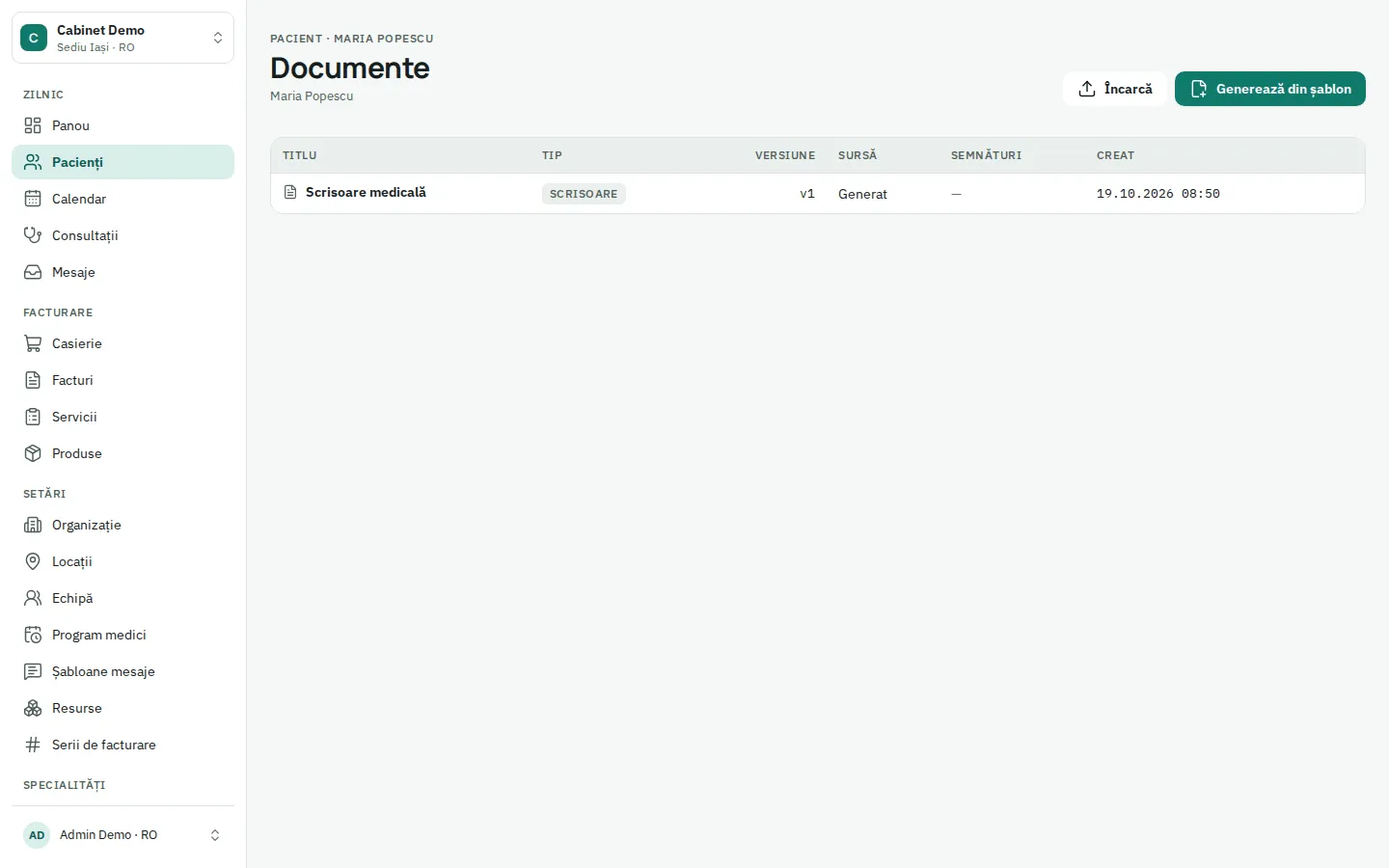
The report is generated from the signed examination as PDF, in the patient’s language; corrections are made as amendments, with history.
-
PACS archive or files
With an Orthanc archive, the study is linked to the order by accession number and opens in the DICOM viewer, also from the patient app (pilot, set up per centre). Without an archive, exported images are attached as files.
-
Invoicing and CNAS
Invoice or receipt from the signed examination, with e-Factura uploaded to the SPV (pilot) in Romania; CNAS reporting for reimbursed services works as a pilot.
How the day runs
- 01
The patient arrives with a referral and is booked on the ultrasound in a free slot.
- 02
Reception uploads the referral to the record; the reminder went out 48 h before.
- 03
The radiologist fills in the report template, with measurements in their fields.
- 04
The signed report comes out as PDF, and the exported images are attached to the examination.
- 05
A receipt is issued or the service goes into CNAS reporting (pilot); the signed report goes to the patient as PDF.
Integrations and exports
- Orthanc PACS archive with a DICOM viewer (pilot)
- Images and PDFs attached to the record
- e-Factura with SPV upload (pilot)
- CNAS reporting (pilot)
- Peppol BIS (Belgium)
- Orders from the referring doctor on the record
- CSV export
Recommended plan
Clinic
Clinic suits imaging centres with several doctors, devices and locations, with resource calendars and reports included.
from € 66,00 / practitioner / month · billed annually
Questions
Is there a dedicated radiology pack?
Radiology runs on configurable templates: we set up your reports per examination type with you at onboarding. A dedicated pack can be built on request.
Do you have PACS or a DICOM viewer?
We link to your PACS archive, as a pilot: with Orthanc, the study is linked to the order by the accession number Clinesto generates and opens in the DICOM viewer, also from the patient app. We do not provide a PACS of our own or a DICOM modality worklist: the accession number reaches the modality through your RIS or by hand.
Does it handle CNAS contracts?
CNAS reporting works as a pilot: insured check at check-in, cases from signed examinations, monthly reports and settlement invoices; a run on the SIUI test environment comes before your first real report.
Whatever the size of your organisation
-
Solo practice
One doctor, perhaps an assistant or a receptionist: calendar, record, invoicing, reminders. Learn more -
Multi-specialty practice
Several doctors and specialties under one roof: a calendar per doctor, shared or separate invoice series. Learn more -
Multi-location clinic
Locations with their own hours, cash register and series; doctors who work in several locations. Learn more -
Medical laboratory
Pilot programme Pilot programme: orders, specimen labels, results with HL7 import, HL7 orders to analysers, signed reports and results in the patient app. Learn more -
Hospital with outpatient clinic
Pilot programme Pilot programme: the outpatient clinic works today, the day hospital runs as a pilot, inpatient wards are not built. Learn more -
Groups and networks
Several companies, locations and countries: each with its country rules, under one sign-in. Learn more
Your first appointment in 5 minutes.
Demo data for your specialty is loaded for you. Import your real data from day one, or let us do it.
No card · Migration included · Hosted in the EU